
Install smart bulbs or switches, connect them to your hub, then build routines and scenes.
If you want a home that feels helpful, safe, and calm, smart lighting is the place to start. In this guide, I’ll show you how to use smart lights for smart home setup with clear steps, real tips, and expert insight. You’ll learn what to buy, how to plan, and how to automate like a pro.

What smart lights can do and why they matter
Smart lights add comfort, savings, and control. You can dim, change color, and set rooms to match your day. Lights can turn on at sunset, flash for alerts, or welcome you when you arrive.
LED smart bulbs can use up to 75% less energy than old bulbs. They also last much longer. That lowers bills and cuts waste. Good lighting also helps mood, sleep, and focus.
If you ask how to use smart lights for smart home setup, start with clear goals. Do you want security, style, or savings? Define that now. Then your choices will fit your life.
Choose the right smart bulbs and switches
Picking the right gear is key. Here’s how I choose for clients and my own home.
Bulbs vs. switches
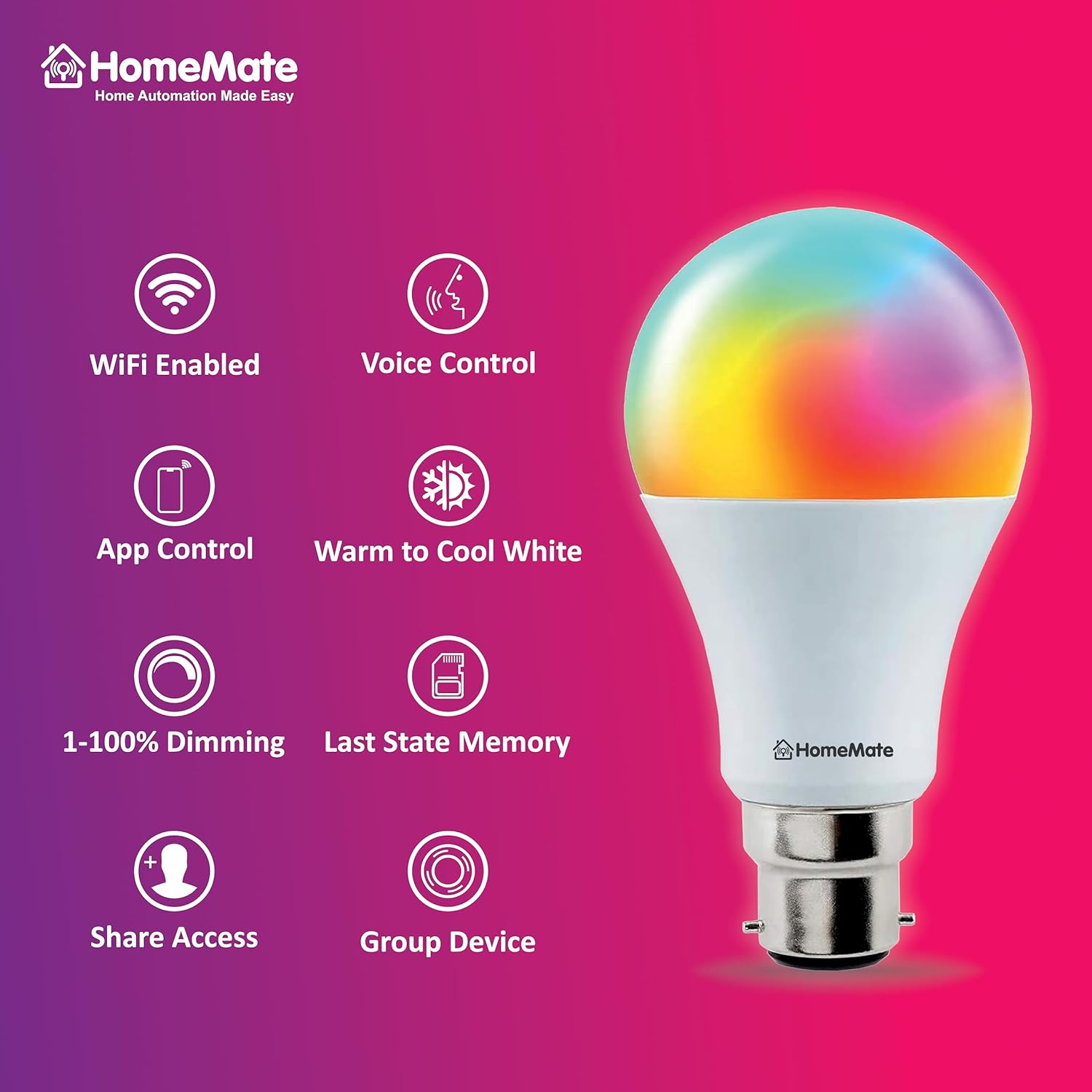
- Smart bulbs are fast to install and great for lamps or rooms with one fixture. They need full power at the switch at all times.
- Smart switches or dimmers control the whole circuit. They work with normal LED bulbs and keep wall control for guests. They need a neutral wire in most cases.
Avoid mixing smart bulbs on a circuit with a dimmer. I learned that the hard way. It can cause flicker or shorten bulb life.
Protocols and platforms
- Wi‑Fi bulbs are simple but can crowd your router if you add many.
- Zigbee and Thread are low-power and steady. They form a mesh and scale well.
- Matter lets devices work across Apple Home, Google Home, Alexa, and others. Choose Matter-ready gear to stay flexible.
- Bluetooth is fine for a few bulbs near your phone, but range is limited.
For how to use smart lights for smart home setup without lock-in, pick Matter or Thread when you can. That keeps options open.
Features to look for
- Dimming range: Look for smooth dimming down to 1–10%.
- White tuning: 2700K for cozy nights, 4000–5000K for task work.
- Color: Full RGB adds fun and alerts.
- Brightness: Check lumens, not watts. Many rooms need 800–1100 lumens per bulb.
- CRI 90+ if you care about true colors for art, food, or makeup.
Compatibility checks
- Make sure bulbs match enclosed fixtures if needed.
- Verify switch boxes have a neutral wire.
- Confirm your platform: Apple Home, Alexa, Google Home, SmartThings, or Home Assistant.
This is the gear side of how to use smart lights for smart home setup. Getting it right now saves hours later.
Plan your smart lighting layout
Good plans make great results. Map rooms, circuits, and routines before you buy.
- List the rooms and note how you use each one. Work, relax, read, host, sleep.
- Decide where bulbs make sense and where a switch is better.
- Layer light: ambient ceiling light, task light at counters, and accent light for art or shelves.
- Check Wi‑Fi and mesh coverage. Add Thread border routers or Zigbee hubs if needed.
I sketch scenes on paper first. Morning bright in kitchen, soft warm in living room, and night path lights to the bath. This plan guides how to use smart lights for smart home setup that feels natural.
Step-by-step setup
Follow these steps to go from box to brilliance.
- Unbox and update the app for your platform.
- Install bulbs or switches with power off. Restore power.
- Put devices in pairing mode. Add them in your app of choice.
- Name devices with clear, short names. Kitchen Island, Hall Light, Desk Lamp.
- Group lights by room and by use. Kitchen, Reading, Movie.
- Calibrate dimming. Set min and max levels to avoid flicker.
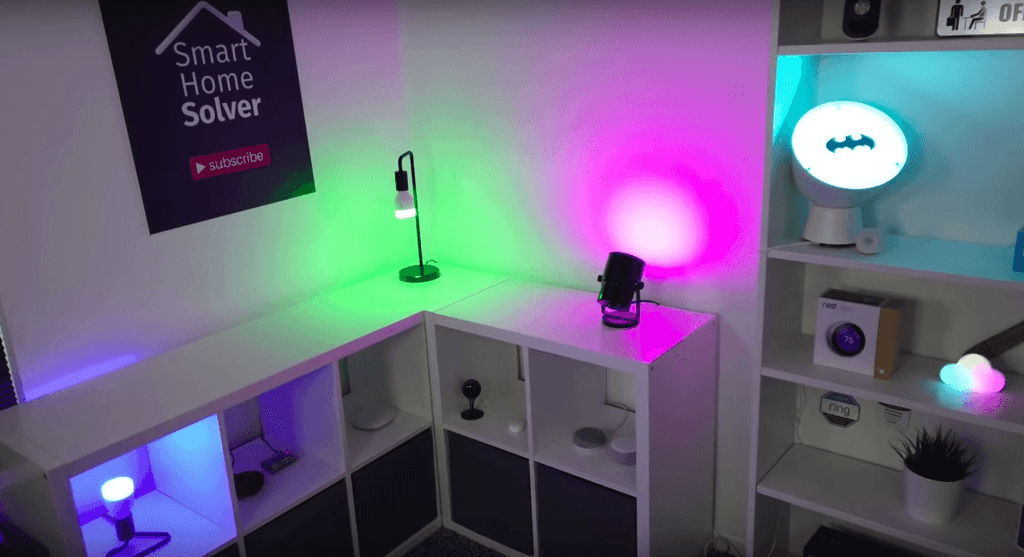
- Create scenes. Bright Day, Warm Evening, Movie Night, Party, Focus.
- Add simple schedules. Sunrise on, sunset off with a small offset.
- Test voice. Try “Goodnight” and “I’m home.”
- Share access with family. Add them as users.
These steps are the heart of how to use smart lights for smart home setup. Keep it simple at first. Add more only after a week of use.
Build practical automations and scenes
Automations save time and make your home feel alive.
Daily routines
- Morning: Cool white and bright. Helps you wake up.
- Evening: Warm and dim. Signals your brain to wind down.
- Bedtime: One command to turn off the whole house.
Presence and location
- Arrival: Hall and kitchen lights turn on to 30%.
- Away: All lights off. Random vacation scene in the evening.
Voice and quick controls
- Use one phrase like “Movie Time” to dim lights to 20%.
- Put widgets on your phone for fast access.
Sensors and safety
- Motion lights for halls, baths, and the garage at night.
- Contact sensor on the porch. Light turns on when the door opens.
- Smoke alarm event. Lights turn on to full white for a clear escape path.
This is where how to use smart lights for smart home setup becomes fun. You build a home that reacts to you with care.

Integrate with the rest of your smart home
Smart lights shine when they work with other devices.
- Thermostats: Dim lights and lower blinds when AC runs hard.
- Media: Start a scene when your TV turns on. Bias lighting helps eyes.
- Locks: Unlocking the front door triggers a welcome scene.
- Security: If an alarm trips, flash red or turn all lights on.
Matter makes cross-brand scenes easier. If you wonder how to use smart lights for smart home setup across platforms, choose Matter and Thread now to future-proof your home.

Security, privacy, and reliability
Keep your smart home safe and steady.
- Turn on two-factor login for every account.
- Update firmware often. I set a monthly reminder.
- Use a separate Wi‑Fi network for smart devices when you can.
- Prefer local control. It still works if the internet drops.
- Place routers away from microwaves and thick walls.
I once had random drop-offs from band steering on my router. Splitting 2.4 GHz and 5 GHz fixed pairing at once. Small tweaks like this are part of how to use smart lights for smart home setup that you can trust.
Troubleshooting and pro tips
Common issues are easy to fix once you know the causes.
- Bulb won’t pair: Make sure your phone is on 2.4 GHz. Move closer to the hub.
- Flicker at low dim: Raise the minimum dim level or use a better dimmer.
- Names are chaos: Use short, clear names and room groups.
- Scenes feel off: Adjust color temps by time. Cooler by day, warmer by night.
- Mesh weak spots: Add a few mains-powered devices to boost Zigbee or Thread.
Pro tips I use in client homes:
- Use sunrise/sunset with a 15–30 minute offset so lights feel natural.
- Save a low-nightlight scene for kids or guests.
- Put a smart button or remote in key rooms. Guests love a real button.
- Back up your hub if it supports export. It saves headaches later.
Master these and you’ll know how to use smart lights for smart home setup like a pro.
Budgeting and ROI
A smart bulb can cost more up front than a normal LED. But it can pay back with energy savings and longer life. You also gain comfort and safety.
Aim for a phased install. Start with entry, kitchen, and bedroom. Then expand. Track your power use if your platform supports it. This data helps you tune scenes and proves how to use smart lights for smart home setup can save real money.
Frequently Asked Questions of How to use smart lights for smart home setup
Do I need a hub for smart lights?
Not always. Some Wi‑Fi bulbs work without a hub, but hubs or Thread often improve speed and reliability with many lights.
Can I use smart bulbs with a dimmer switch?
Do not dim smart bulbs with a standard dimmer. Use a plain on/off switch or replace the switch with a compatible smart dimmer.
Will smart lights work if my internet goes down?
Many systems work on your local network. Voice control may fail, but app control and automations can still run if devices support local control.
Are smart lights safe and private?
Yes, when you use strong passwords, two-factor login, and regular updates. A separate network for devices adds extra safety.
How do I pick between warm and cool white?
Use warm white, around 2700K, for rest and evening. Use cool white, 4000–5000K, for focus and daytime tasks.
What is Matter, and do I need it?
Matter is a new standard that helps devices work across platforms. You don’t need it, but it makes how to use smart lights for smart home setup easier and more flexible.
Can I mix brands of smart lights?
Yes, especially with Matter or platforms like Home Assistant. Check support before you buy to avoid gaps.
Conclusion
Start small and aim for impact. Pick the right rooms, set a few great scenes, and let your home guide you. Once you see the change, add more rooms and smarter rules.
Now that you know how to use smart lights for smart home setup, take the first step today. Install one room, test a week, then expand with confidence. Want more smart home tips? Subscribe for updates or drop a comment with your setup goals.