
Teach seniors simple steps, use clear labels, and enable backup unlock options.
If you want to know how to use smart door lock for seniors, you are in the right place. I install these devices for aging parents and caregivers, and I have seen what works and what fails. In this guide, I break it all down in plain language. You will learn how to use smart door lock for seniors with easy steps, safe habits, and real examples you can trust.

Why smart door locks matter for seniors
Smart locks reduce stress. No more lost keys. No more late-night lock checks. A code or a tap is all it takes.
For older adults, safety and comfort come first. A smart lock can add both. You can share access with family. You can get alerts if a door stays unlocked. You can use voice to lock the door when hands hurt.
When I show families how to use smart door lock for seniors, I focus on simple tools. Big buttons. Clear labels. A quiet auto-lock. It turns a worry into a routine.

How to use smart door lock for seniors: a simple overview
Here is the simple path.
- Install the lock and set one master code.
- Add one daily code for the senior.
- Add one caregiver code that you can turn on or off.
- Turn on auto-lock for peace of mind.
- Place a backup key or NFC tag in a safe spot.
- Teach a two-step habit: lock with one press, confirm with a glance.
Use clear names for each code. Example: Mom, Nurse, Neighbor. Keep it simple. This is how to use smart door lock for seniors without stress.
Choose the right lock for seniors
Pick features that match real needs, not hype. A few things matter most.
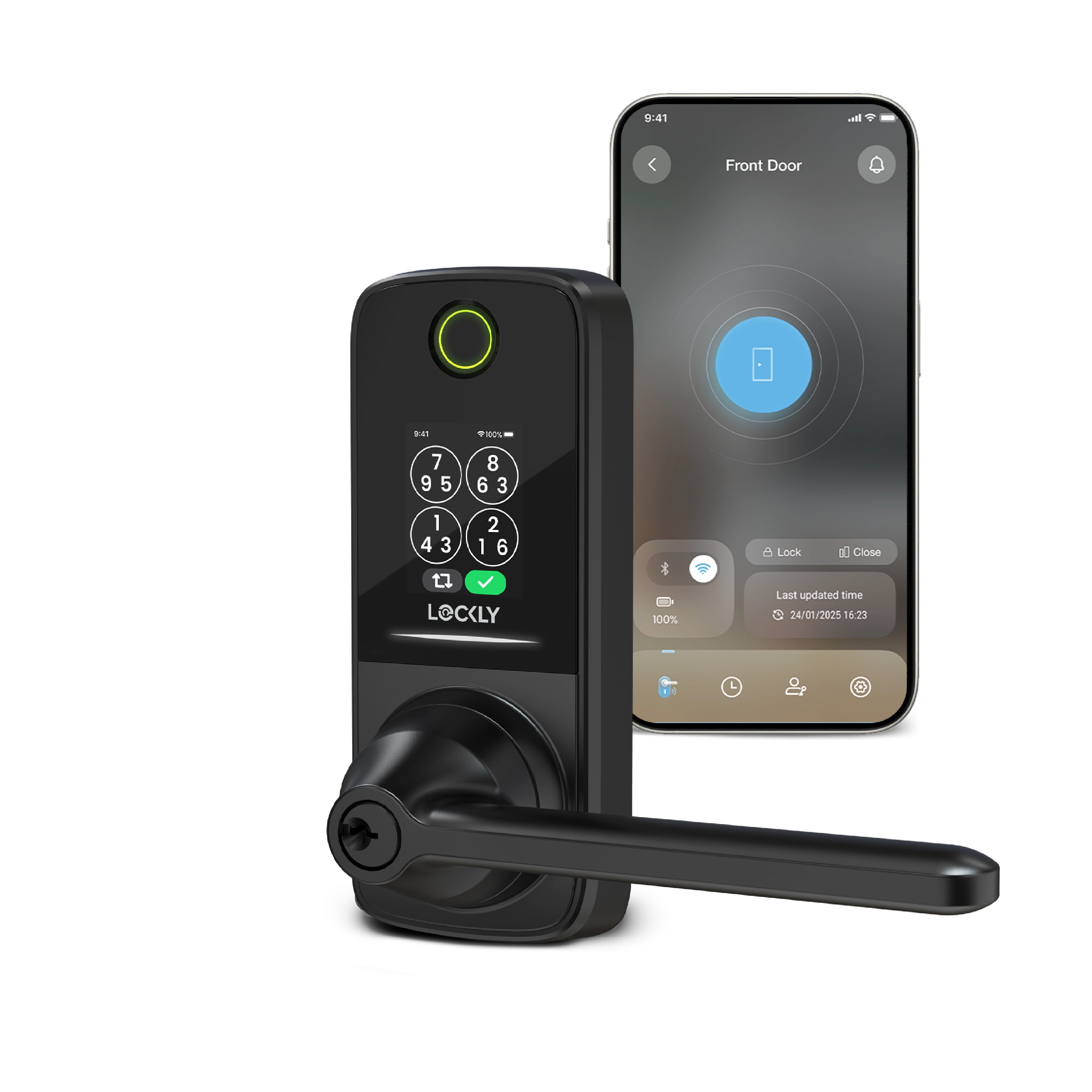
- Keypad with large, high-contrast numbers. Backlit keys help at night.
- Lever handle or low-torque thumb turn for arthritic hands.
- Auto-lock that can be set to 30–120 seconds.
- Long battery life and low-battery alerts.
- ANSI grade rating for strength. Grade 1 is best.
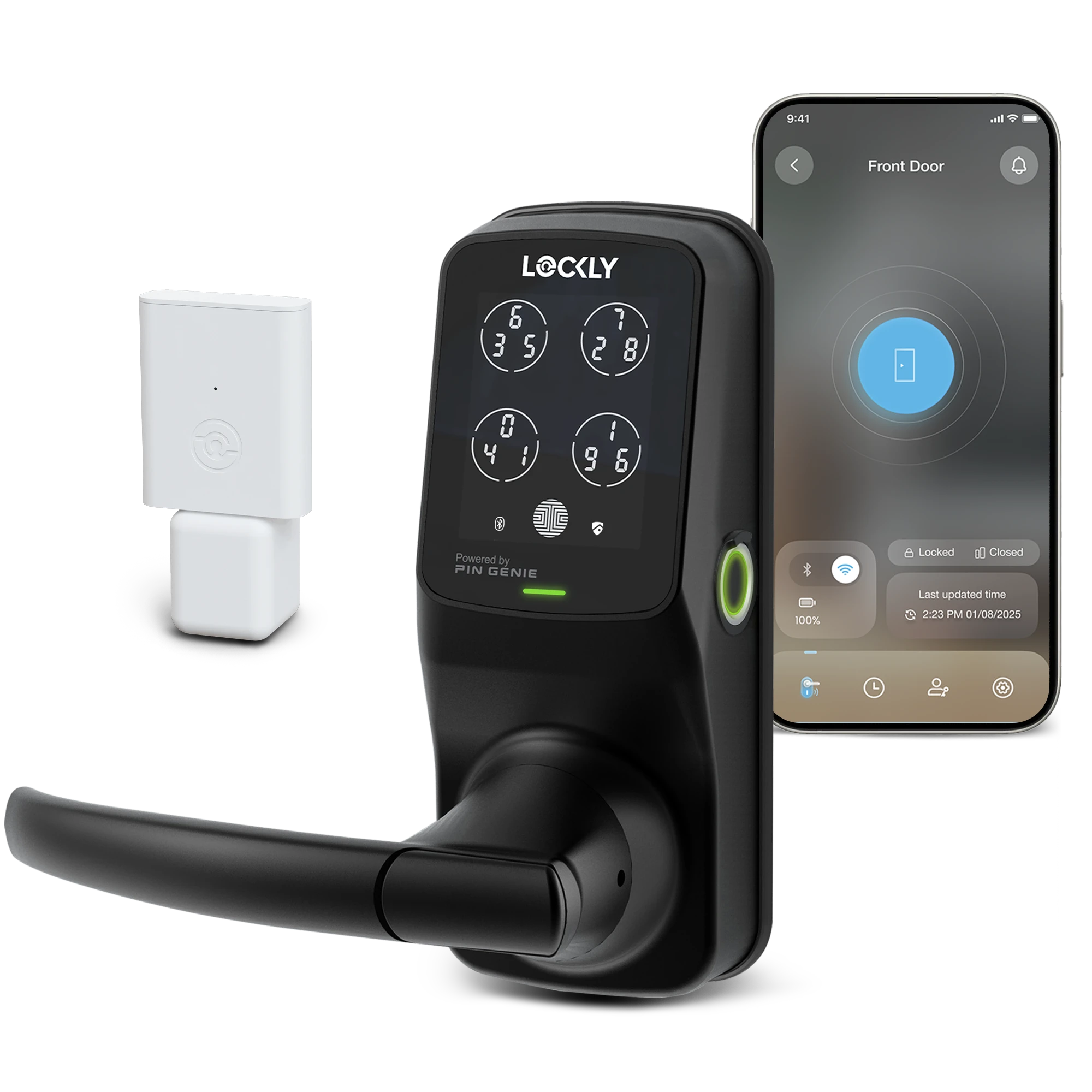
- Connectivity that fits the home: Bluetooth, Wi‑Fi, or hub (Matter, Zigbee, Z‑Wave).
- Voice assistant support if already in use: Alexa, Google, or Siri.
Tip from the field: If vision is low, avoid glossy keypads. Matte keys cut glare. If touch is low, pick a model with haptic beeps and a gentle click.
Step-by-step setup: from unboxing to first unlock
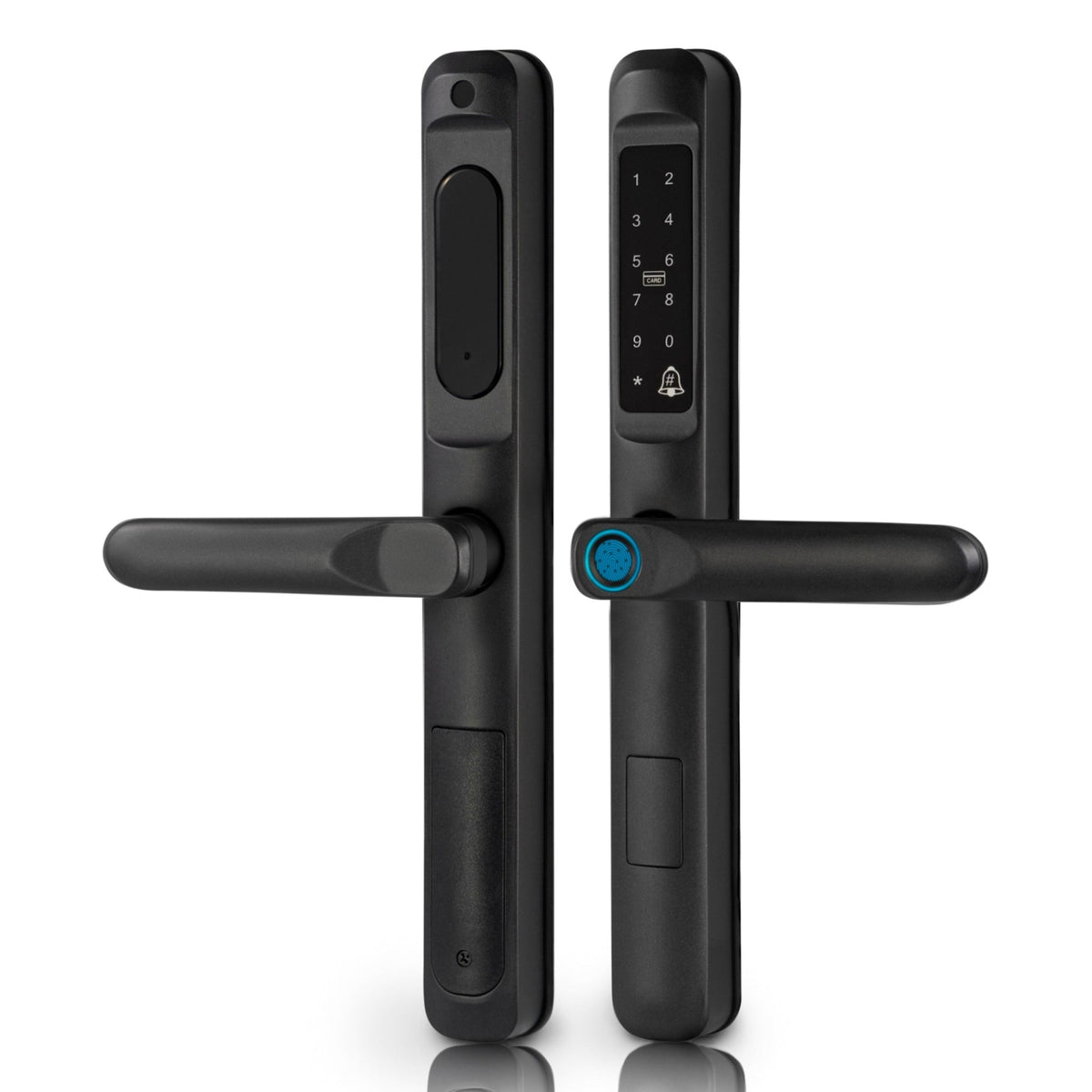
Follow a short setup flow. Keep it calm and clear.
- Remove the old lock and strike plate. Keep the screws.
- Fit the new latch and ensure it is centered. The bolt must slide clean.
- Mount the exterior keypad, then the interior plate. Hand-tighten first.
- Insert batteries. Wait for the chime.
- Use the app to pair. Name the lock with a simple name like Front Door.
- Update the firmware. Do not skip this step.
- Set a master code you will not share.
- Set one daily code for the senior. Write it on a card in a safe drawer.
- Turn on auto-lock. Start with 60–90 seconds.
- Test the door closed and open at least five times.
If the bolt rubs, adjust the strike plate. Most “smart” issues are really door alignment issues.
Daily use and routines that stick
Routines beat memory. Make it easy and clear.
- Put a small dot sticker on the lock button. One press to lock.
- Use the same code every day unless safety needs change.
- Add a voice routine. Say, “Goodnight,” and the door locks.
- Keep a backup key in a lockbox near the door.
- Post a tiny cue card: Press lock. Wait for beep. Try handle.
When I teach how to use smart door lock for seniors, I add a “two-beep” rule. Press lock, wait for the beep, then tug the handle once. A quick tug confirms the bolt.
Safety, security, and privacy for families and caregivers
Smart locks can protect privacy while giving help.
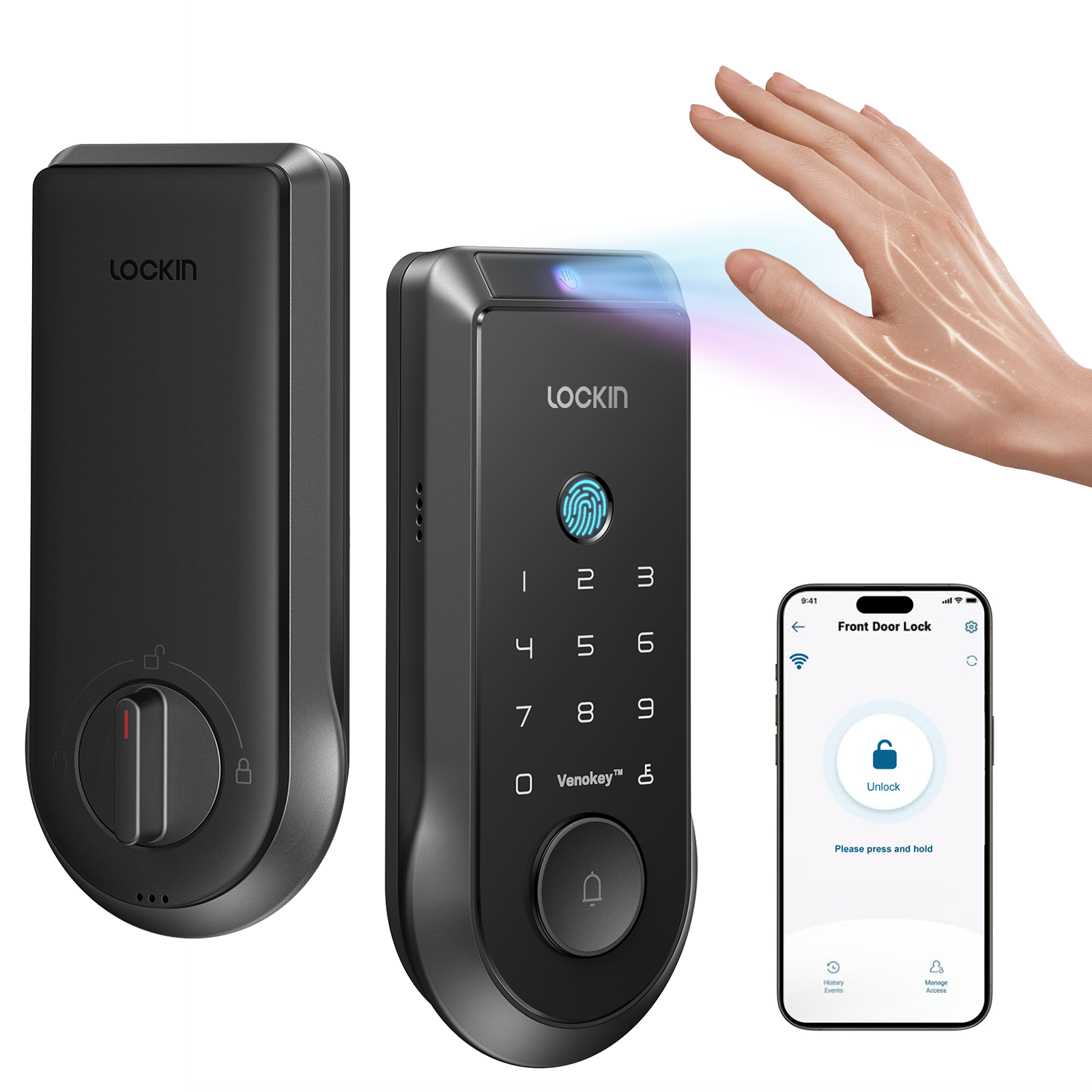
- Share codes, not keys. You can revoke codes in one tap.
- Use alerts for door left unlocked after 10 minutes.
- Turn on a log to see who came and when.
- Avoid sharing the app login. Use separate guest access.
- Consider a duress PIN if the lock supports it.
Set a calendar reminder to change caregiver codes every few months. This small habit adds a real layer of safety.

Common problems and easy fixes
Most issues have a simple fix.
- Dead batteries. Replace with fresh, same-brand cells. Do not mix types.
- Sticky bolt. Sand or adjust the strike plate. Check door warp in winter.
- Wi‑Fi drops. Move the router or add a 2.4 GHz extender near the door.
- Wrong code entries. Slow down and watch the keypad light pattern.
- App quirks. Update the app and firmware. Reboot the lock if needed.
If the lock jams, use the physical key. Then fix the alignment before you trust auto-lock again.

Real-life examples and lessons learned
I set up a smart lock for my aunt who has mild arthritis. Big keys and a 90-second auto-lock changed her nights. She now taps once, hears a beep, and rests easy. We wrote her code on a card in a safe spot. No more panic about lost keys.
With one client, we tried phone auto-unlock. It failed when her phone battery died. We turned it off and used a simple code and a watch shortcut. Simple won. This is a key lesson in how to use smart door lock for seniors: choose the least complex flow that works every day.
Cost, value, and ROI for aging in place
A good smart lock costs less than one emergency locksmith call. Most units run from budget to premium tiers. Many brands do not need a monthly fee. If you want cloud history, a low-cost plan may apply.
Think in time saved. Fewer key copies. No rekey after a lost key. Easy caregiver swaps. Safer nights. The value grows with each small win.
Maintenance and long-term care
Plan light care. It keeps the lock smooth and safe.
- Replace batteries every 9–12 months or at 25% alert.
- Clean the keypad with a soft cloth. No harsh spray.
- Update firmware each season for fixes and features.
- Re-teach the routine after any change to the door.
- Check screws twice a year. Snug, not tight.
Keep a checklist on the fridge. Simple steps beat memory on busy days.
Accessibility features that make a difference
A few features boost ease for seniors.
- Large, backlit numbers with high contrast.
- Voice lock and voice status replies.
- Tactile feedback and gentle tones.
- Lever handles that need less grip force.
- Watch or fob unlock for shaky hands.
- Visual cues for low battery.
Pick features that match the person, not the trend. That is central to how to use smart door lock for seniors with real success.
How to use smart door lock for seniors with voice and apps
Voice can be a big win. But start safe.
- Set a voice code for unlock if the platform needs it.
- Use voice for lock status. “Is the front door locked?”
- Add a watch tile for quick lock at bedtime.
- Place a small smart speaker near the hall for easy reach.
Train one phrase at a time. Keep it simple. Voice can help when hands hurt or eyes are tired.
How to use smart door lock for seniors safely in apartments and senior living
Check rules first. Some buildings require a key-in-knob for fire code. Others allow smart deadbolts only.
- Ask management about approved models.
- Keep the original hardware for move-out.
- Do not block common door sensors.
- Use battery-only locks if outlets are scarce.
If rules are strict, use a keypad deadbolt that also keeps a physical key. You get smart features and stay within policy.
Security myths vs facts
Myth: “Smart locks are easy to hack.” Fact: Good brands use strong encryption and lockout after wrong tries. Door and frame strength matter more day to day.
Myth: “Auto-unlock always fails.” Fact: It works well with good phone habits and clear geofencing. For seniors, a fixed PIN is often safer.
Myth: “Batteries die without warning.” Fact: Low-battery alerts give weeks of notice. Keep a spare pack at home.
Use facts to guide choices. That is smart risk control.
Frequently Asked Questions of How to use smart door lock for seniors
What is the easiest way to teach a senior to use a smart lock?
Start with one daily code and a simple two-step habit. Press lock, wait for the beep, and tug the handle once to confirm.
How often should we change access codes?
Update caregiver and contractor codes every few months. Keep the senior’s code stable unless safety needs change.
Can a smart lock work without Wi‑Fi?
Yes, most keypad locks work by code even if Wi‑Fi is down. The app and alerts may pause, but the door still locks and unlocks.
What if the batteries die?
Use the physical key or an external power pad if the lock supports it. Replace the batteries and test the lock five times.
Is auto-lock safe for seniors?
Yes, when the door aligns well. Set a delay of 60–120 seconds and teach a quick “tug test” to confirm the bolt.
Should we use phone auto-unlock?
Use it only if the senior keeps the phone charged and nearby. Many families find a simple PIN or watch tap more reliable.
How do I help with low vision or arthritis?
Pick big, backlit keys and a lever handle. Add voice control or a watch shortcut to cut finger strain.
Conclusion
Smart locks can turn door worries into easy habits. Set one clear code. Use auto-lock. Keep a backup key and a cue card. This is how to use smart door lock for seniors with calm and confidence.
Start small today. Pick a model that fits the hand and the home. If you found this helpful, share it with family, subscribe for more guides, or leave a question so I can help you choose the right setup.


