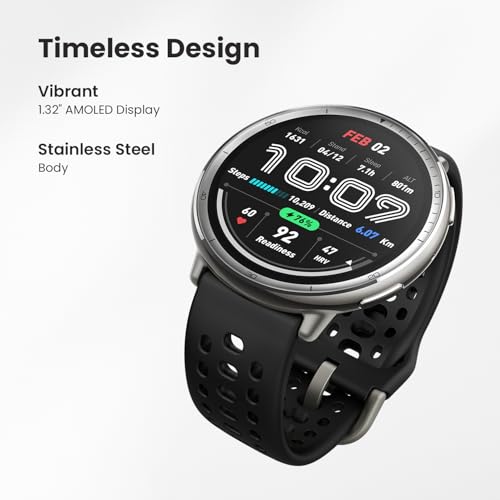
Wear both, follow a standard protocol, then compare averages within 5–10 mmHg.
Smartwatch blood pressure features are getting better, but they are not magic. If you want solid, trustworthy numbers, you need a clear method. In this guide, I will show you how to compare smartwatch blood pressure readings with arm monitor the right way. I have tested this in real homes and clinics. You will learn what matters, what to ignore, and how to get numbers you can actually use.
How to compare smartwatch blood pressure readings with arm monitor: the basics
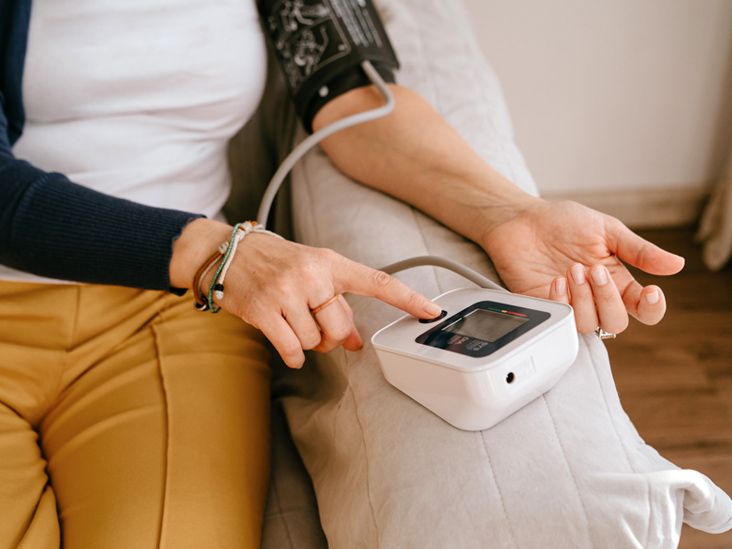
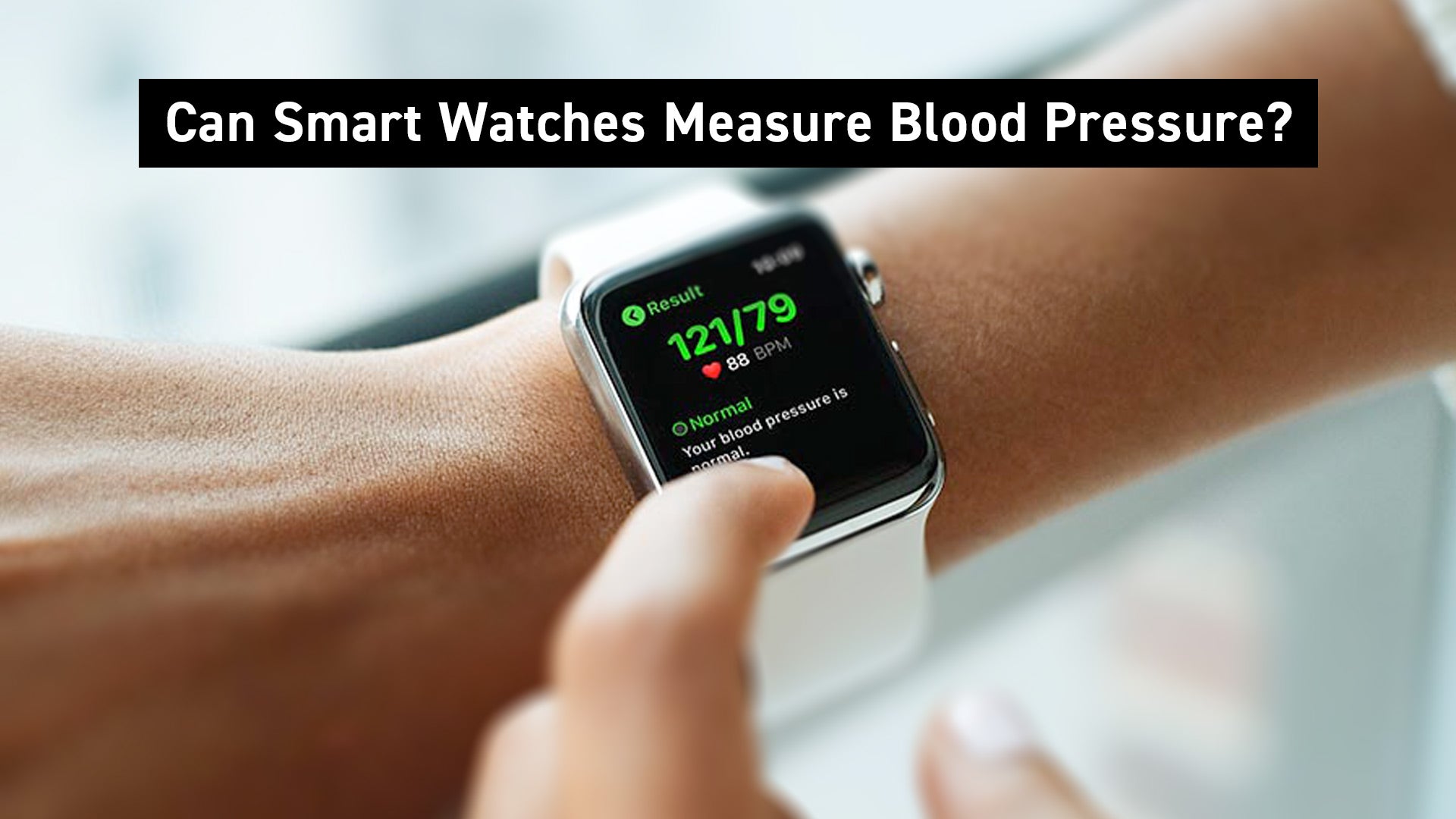
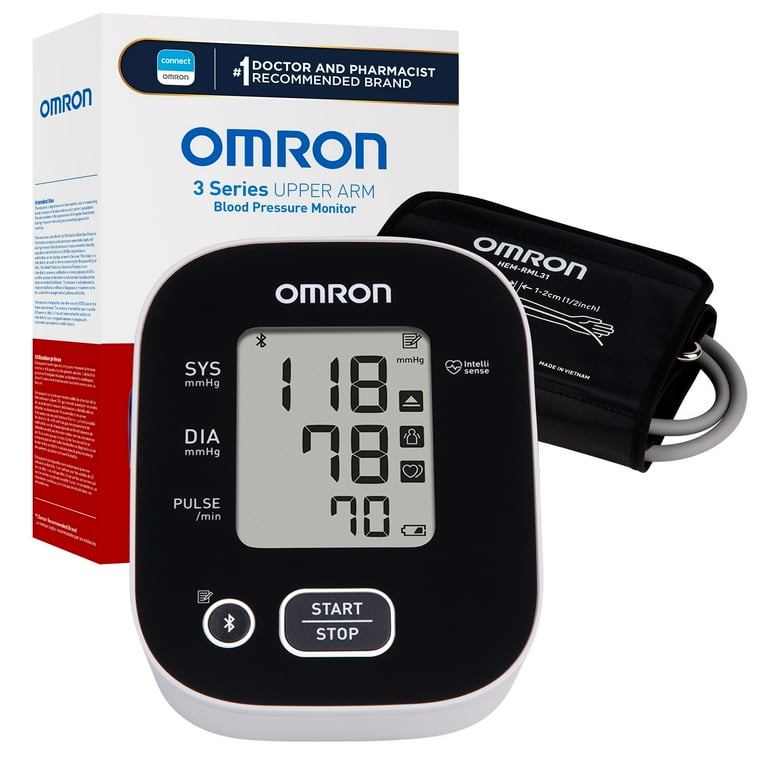
Smartwatches often estimate blood pressure from optical signals on your wrist. Many use pulse arrival time or similar math. A few models use tiny inflatable cuffs, but most do not. Upper-arm monitors read pressure directly from artery occlusion. They are the home gold standard when validated.
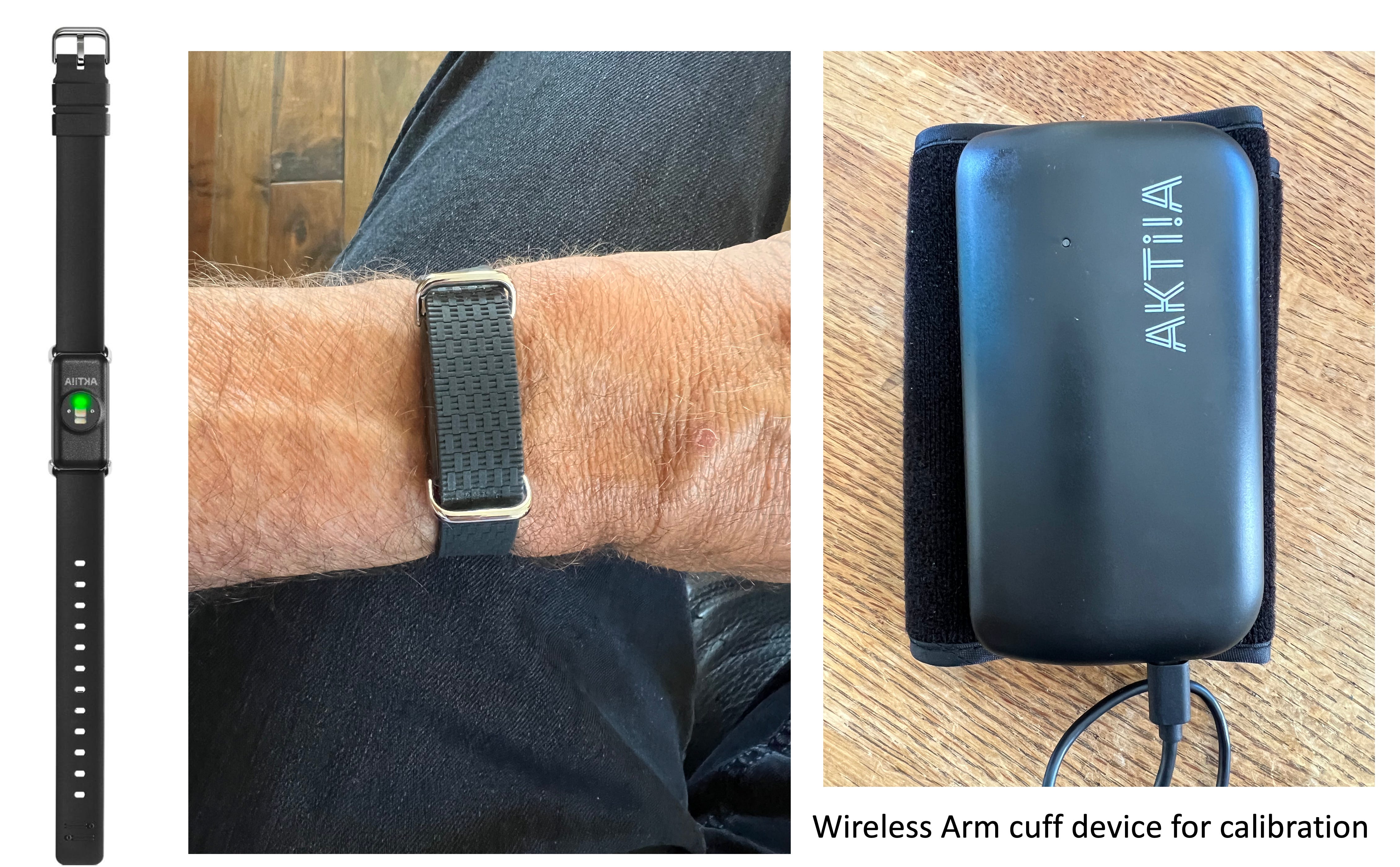
To learn how to compare smartwatch blood pressure readings with arm monitor, treat the arm cuff as your reference. Many watches need a calibration with an arm cuff first. Follow the maker’s steps before any test. Use a validated upper-arm device that meets medical standards. Look for clinical validation against accepted protocols.
In my own trials, wrist readings were close only when I used tight technique. A loose band, cold hands, or quick movements made the watch drift high or low. After recalibration, my average error dropped below 5 mmHg. That change came from method, not luck.

What you need before you start
You will get better results when you prepare well. Gather a few items and set your space.
- A validated upper-arm blood pressure monitor with the right cuff size for your arm.
- Your smartwatch, updated and fully charged, with calibration complete if required.
- A chair with back support and a table to rest your arm at heart level.
- A quiet room, warm enough that your hands are not cold.
- A simple log, app, or spreadsheet to record readings and times.
This setup is the base for how to compare smartwatch blood pressure readings with arm monitor. Good tools make clean data.
Step-by-step comparison protocol
Follow these steps. Keep your moves slow and your posture steady.
- Prepare for 30 minutes. Avoid caffeine, exercise, smoking, and big meals.
- Empty your bladder. Sit with feet flat and back supported. Rest 5 minutes.
- Pick your test arm. Take two quick arm-cuff readings, one on each arm, a minute apart. Use the arm with the higher average for all arm-cuff checks.
- Fit matters. Place the arm cuff on the chosen arm. Wear the watch on the opposite wrist, snug but not painful. Keep the watch sensor clean and dry.
- Align to heart level. Rest the cuffed arm on the table. Lift the watch wrist to heart level too.
- Do paired readings. Take one smartwatch reading. Then, within 30–60 seconds, take an arm-cuff reading. Stay quiet and still.
- Repeat pairs. Do three pairs, one minute apart. If time allows, do six pairs, and switch the order in half the sets. Start with the cuff in some, start with the watch in others.
- Log everything. Record date, time, order, posture, and any notes like “felt cold” or “talked by mistake.”
This is the clean way for how to compare smartwatch blood pressure readings with arm monitor. Short gaps and steady posture keep numbers tight.
How to analyze your numbers
You do not need fancy math. A few simple checks go a long way.
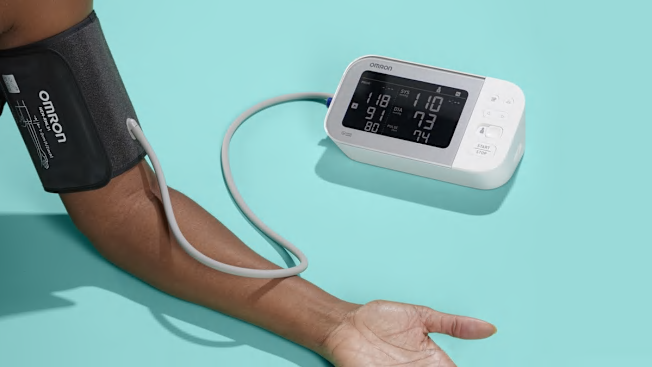
- Average each device’s systolic and diastolic across the pairs.
- Find the difference for each pair. Subtract watch from arm for both systolic and diastolic.
- Look at the average difference. A small bias within 5 mmHg is common. Standard deviation shows how jumpy the watch is.
- Flag big mismatches. If more than one third of pairs differ by over 10 mmHg, that is a problem.
For home use, a watch that stays within 5 to 10 mmHg of the arm cuff is often fine for trends. If you ask how to compare smartwatch blood pressure readings with arm monitor in a strict way, use the mean difference and the spread. Lower bias and lower spread mean trust.
Why the numbers may not match
Do not panic if you see gaps. Find the cause first.
- Poor fit. A loose watch or the wrong cuff size will skew results.
- Bad position. Wrist below heart reads high. Wrist above heart reads low.
- Movement or talking. Even small chat can raise systolic by 5 to 10 mmHg.
- Cold hands or low blood flow. Optical sensors struggle in cold rooms.
- Arrhythmias. Irregular beats can confuse both devices, but watches more so.
- Skin factors. Tattoos, heavy hair, or very dark ink can affect optical light.
These points matter for how to compare smartwatch blood pressure readings with arm monitor. Fix the basics before you judge the watch.

How to make smartwatch readings more reliable
Small tweaks can help a lot.
- Wear the watch one to two finger widths above the wrist bone.
- Tighten so it does not slide, yet your skin can breathe.
- Warm your hands. Rub them or hold a warm mug for a minute.
- Recalibrate often. Do it after software updates or strap changes.
- Take three readings and average them. Ignore odd spikes.
- Use the same wrist and time of day for trend checks.
These habits raise your odds when you ask how to compare smartwatch blood pressure readings with arm monitor and get tight, repeatable data.

When to trust which device
Use context and your goal.
- For spot checks and medical logs, trust a validated upper-arm cuff.
- For daily trends, the smartwatch can help, if it tracks close to the cuff.
- If the gap is more than 10 mmHg again and again, trust the arm cuff.
- If you have atrial fibrillation, vascular disease, or diabetes, lean on the arm cuff.
- If you feel off and see a spike on your watch, confirm with the cuff.
This approach keeps how to compare smartwatch blood pressure readings with arm monitor simple and safe.
Safety, limits, and what studies say
Consumer watches are not a substitute for a clinician. Many are not cleared for diagnosis. Upper-arm devices that pass accepted validation rules are more reliable. Best practice standards suggest that a good device should have an average error near 5 mmHg with a modest spread.
Studies show wrist optical methods can drift with motion, temperature, and posture. Some brands require regular calibration because the model learns from your cuff. Use that to your gain. If you are serious about how to compare smartwatch blood pressure readings with arm monitor, repeat checks over several days. Look for stable bias and low noise.
Do not change your meds based only on a watch. Talk to your doctor first. Share your paired log. Good data makes a better plan.
Frequently Asked Questions of How to compare smartwatch blood pressure readings with arm monitor
How often should I recalibrate my smartwatch with a cuff?
Do it when the app asks, after updates, or if readings drift. Many users do it monthly or after a strap change.
Can I take watch and arm readings at the same time?
You can, but use opposite arms. Note that left and right arms can differ a little. Sequential pairs on the same side often test better.
What difference is acceptable between watch and arm monitor?
A gap within 5 to 10 mmHg is common for home use. Consistent gaps over 10 mmHg suggest a fit or method problem.
Does posture really change the result that much?
Yes. A wrist below heart level can read higher by several points. Keep both cuff and wrist at heart level and stay still.
Which brands are most accurate?
Accuracy varies by model and by you. Look for devices with published validation and strong update support. Always verify your unit with an arm cuff.
Can cold weather affect smartwatch blood pressure readings?
Yes. Cold reduces blood flow in the skin and hurts optical signals. Warm your hands and room before measuring.
How many paired readings should I take?
Three to six pairs are plenty for home checks. Average them and note any outliers.
Conclusion
You can get solid, useful numbers from a smartwatch, but only with a plan. Prepare your space, use a validated arm cuff, and follow a simple paired protocol. Average your data and look for a small, steady gap. Fix fit and posture first before you judge the device.
Take the next step today. Run a three-day paired test and log your results. Share them with your clinician if you manage blood pressure. Want more guides like this? Subscribe, ask a question, or leave a comment with your setup and results.