
Use smart bulbs, switches, or plugs with app schedules and sunrise/sunset triggers.
If you want your lights to run on autopilot, you are in the right place. I’ll show you how to schedule lights to turn on and off automatically with clear steps, simple tools, and smart habits. I’ve set up dozens of homes and offices, and I know what works, what fails, and how to avoid headaches. By the end, you’ll have a plan that is safe, reliable, and easy to live with.
Why schedule lights at all?
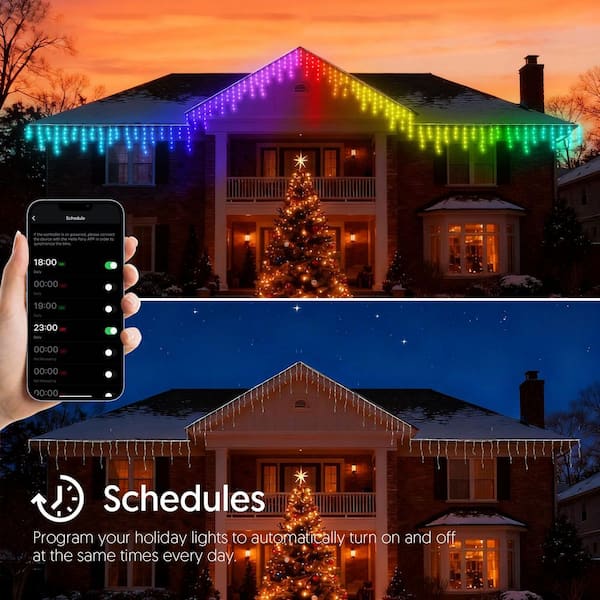
Smart schedules save time, boost comfort, and add security. Your rooms light up when you need them and power down when you do not. That means fewer switches to touch and less energy wasted.
Good schedules also make a home feel lived-in. Lights turn on at sunset. They turn off at bedtime. It looks natural and helps when you travel.
If you are new, this guide will teach you how to schedule lights to turn on and off automatically in a friendly way. If you are a pro, you will still find tips to make your setup more stable and safe.
What you need to get started
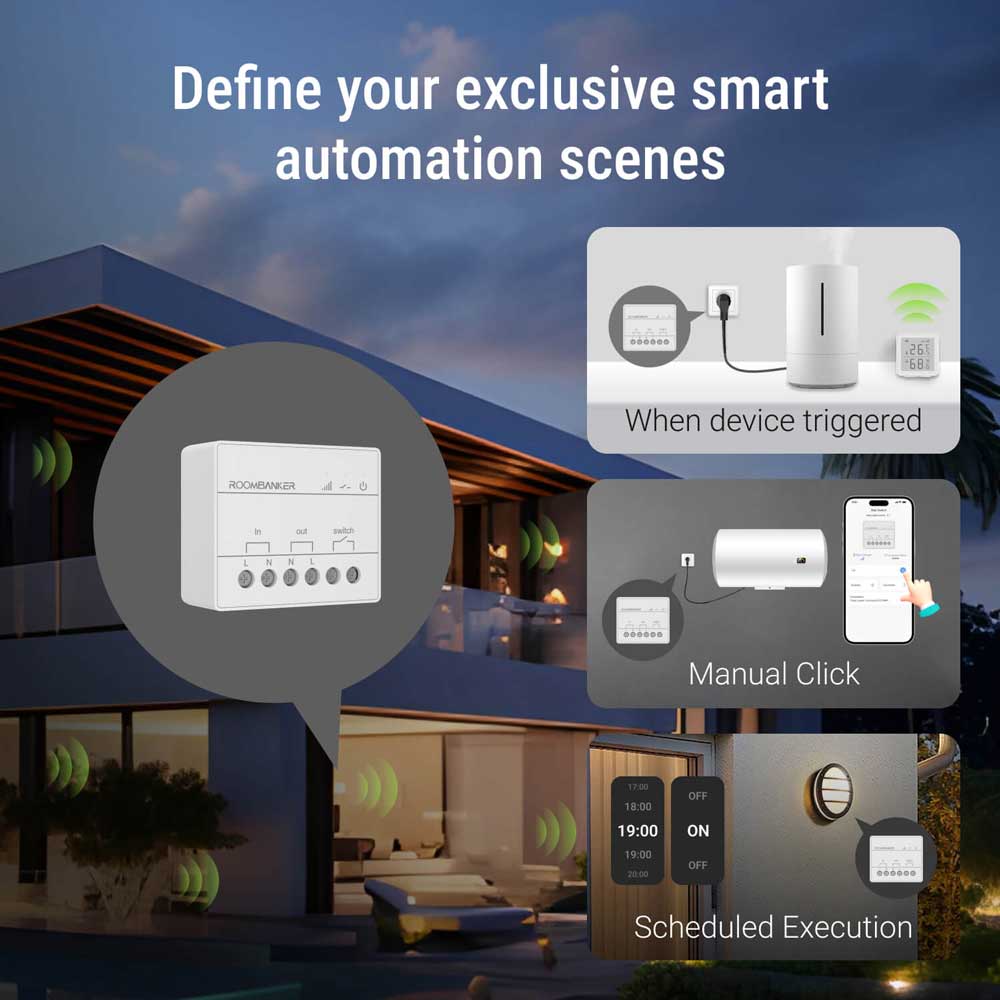
You can schedule almost any light with the right device. Choose one of these paths.
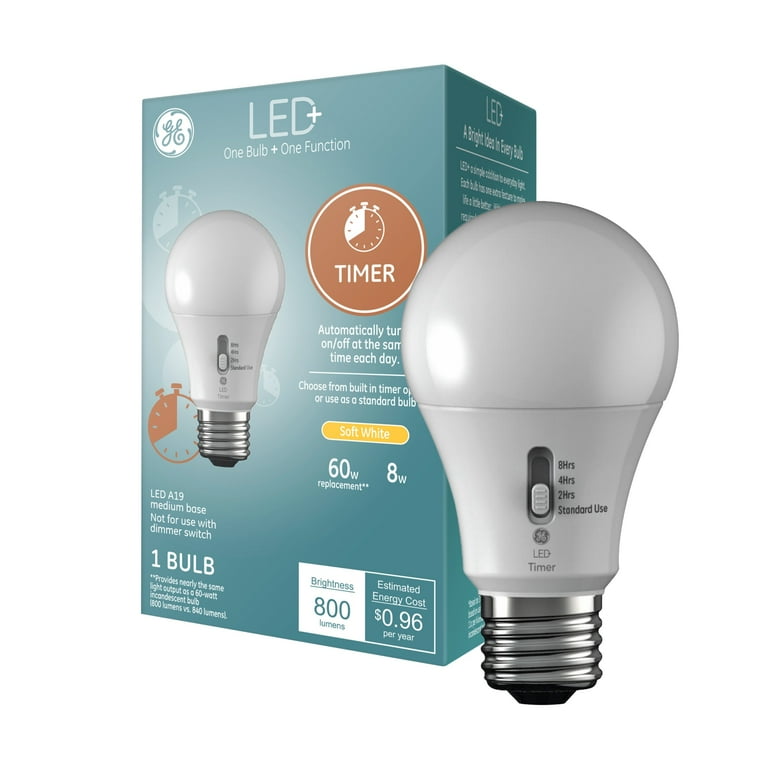
- Smart bulbs replace old bulbs. Great for rentals and fast setup.
- Smart plugs switch table lamps on and off. Easy, low-cost, and flexible.
- Smart switches replace wall switches. Best for built-in lights and fixtures.
- Smart panels and relays work for complex loads. Use for large or multi-way circuits.
Each device works with an app. Many also work with Alexa, Google Home, Apple Home, SmartThings, or Home Assistant. Pick an ecosystem you like. Make sure your device supports it.
Check Wi‑Fi and power. Most Wi‑Fi lights use 2.4 GHz. Keep them near a strong signal. If wiring a smart switch, cut power at the breaker and follow code. When in doubt, hire a licensed electrician.
If you want to learn how to schedule lights to turn on and off automatically with the most control, consider devices that support sunrise/sunset and local schedules. These work even if the internet drops.

Step-by-step: How to schedule lights to turn on and off automatically in top apps
Here are quick steps for the most common platforms. You can mix and match, but keep it simple at first.
Amazon Alexa
- Open the Alexa app. Go to Routines. Tap the plus icon.
- Set When this happens to Schedule, pick time or sunrise/sunset.
- Add Action. Choose Smart Home, then your light. Set On, Off, or Brightness.
- Save. Repeat for off times or use Wait to chain steps.
Google Home
- Open the Google Home app. Tap Automations. Tap New.
- Choose Time of day or Sunrise/Sunset. Pick days and time.
- Add Action. Select Adjust home devices, then the light and its state.
- Save. Test with the play button.
Apple Home (HomeKit)
- Open the Home app. Tap Automation. Tap New Automation.
- Pick A Time of Day Occurs or Sunset/Sunrise. Choose days.
- Select your lights. Set On/Off, brightness, and color.
- Save. Use an Apple Home hub (HomePod, Apple TV, or iPad) for remote work.
SmartThings
- Open Routines. Tap Add Routine.
- Set If to Time or Sunset/Sunrise and choose days.
- Set Then to control your lights and levels.
- Save. Use local devices for better reliability.
Home Assistant
- Go to Settings, Automations. Tap Add.
- Trigger: Time, Time Pattern, or Sun. Choose times or offsets.
- Action: Call service light.turn_on or light.turn_off with entity and brightness.
- Save. Use Helpers for reusable times and scenes.
These steps cover the core of how to schedule lights to turn on and off automatically across platforms. Start with one room and expand.
Smart scheduling patterns that work
You do not need many automations. You need the right ones. Try these patterns.
- Sunrise ramp: Bedroom lights fade up 20 minutes before wake time. Start at 1%, end at 60%.
- Sunset welcome: Entry lights turn on at sunset with a 15-minute offset.
- Bedtime sweep: At 10:30 p.m., turn off all lights, keep nightlights at 5%.
- Weekend shift: Different times for Saturday and Sunday. Sleep schedules are not the same.
- Cleaning window: Brighten kitchen and living room on a set day and time.
Each of these shows how to schedule lights to turn on and off automatically in a way that matches real life. Keep it simple. Use scenes to set more than one light at once.
Advanced automations that feel human
Once the basics work, add a few smart upgrades.
- Presence and geofencing: Lights turn off when everyone leaves, on when the first person arrives.
- Motion with a timer: Hall lights on when you pass. Off 2 minutes after no motion.
- Randomized away mode: Shift on/off times by a few minutes to look real.
- Weather-aware: On dark, rainy days, run a “cloudy day” scene.
- Adaptive light: Warmer tones at night, cooler tones in the day for comfort.
These ideas show how to schedule lights to turn on and off automatically without making your home feel robotic. Layer time, presence, and light level for the best results.

Safety, reliability, and privacy
Safe power comes first. Smart switches and plugs have load ratings. Do not exceed them. Use dimmable bulbs only with dimmer switches. If a neutral wire is needed, make sure it is present in the box.
Keep schedules stable. Use devices that can store schedules locally. Give your lights fixed IPs via DHCP reservation to reduce dropouts. Use a strong 2.4 GHz Wi‑Fi signal. Avoid overloading your router with too many IoT devices on one SSID.
Mind time zones and daylight saving time. Use sunrise/sunset or location-based triggers when you can. If you must wire anything, turn off the breaker and verify with a tester. Seek a licensed electrician if you are not sure.
For privacy, prefer local control when possible. Limit cloud access and disable unused skills. Good privacy does not stop you from learning how to schedule lights to turn on and off automatically in a safe way.

Troubleshooting and common mistakes
Here are fixes I use in the field.
- Device offline: Check power first. Then check Wi‑Fi band and signal.
- Wrong time or offset: Confirm home location and time zone in the app.
- Flicker or buzz: Pair dimmers with dimmable LEDs from a tested list.
- Missed schedules: Update firmware. Reboot the router. Use local schedules if offered.
- Power restore chaos: Set power-on state to Last State or Off to avoid 3 a.m. surprises.
If you still struggle with how to schedule lights to turn on and off automatically, reset one device at a time. Re-add it, then rebuild the routine. Keep notes on what you change.
Energy and cost tips
Smart schedules cut waste. LEDs already use less power. Schedules multiply the savings. A table lamp at 9 watts for 5 extra hours a day is small. Across many rooms, that adds up over a year.
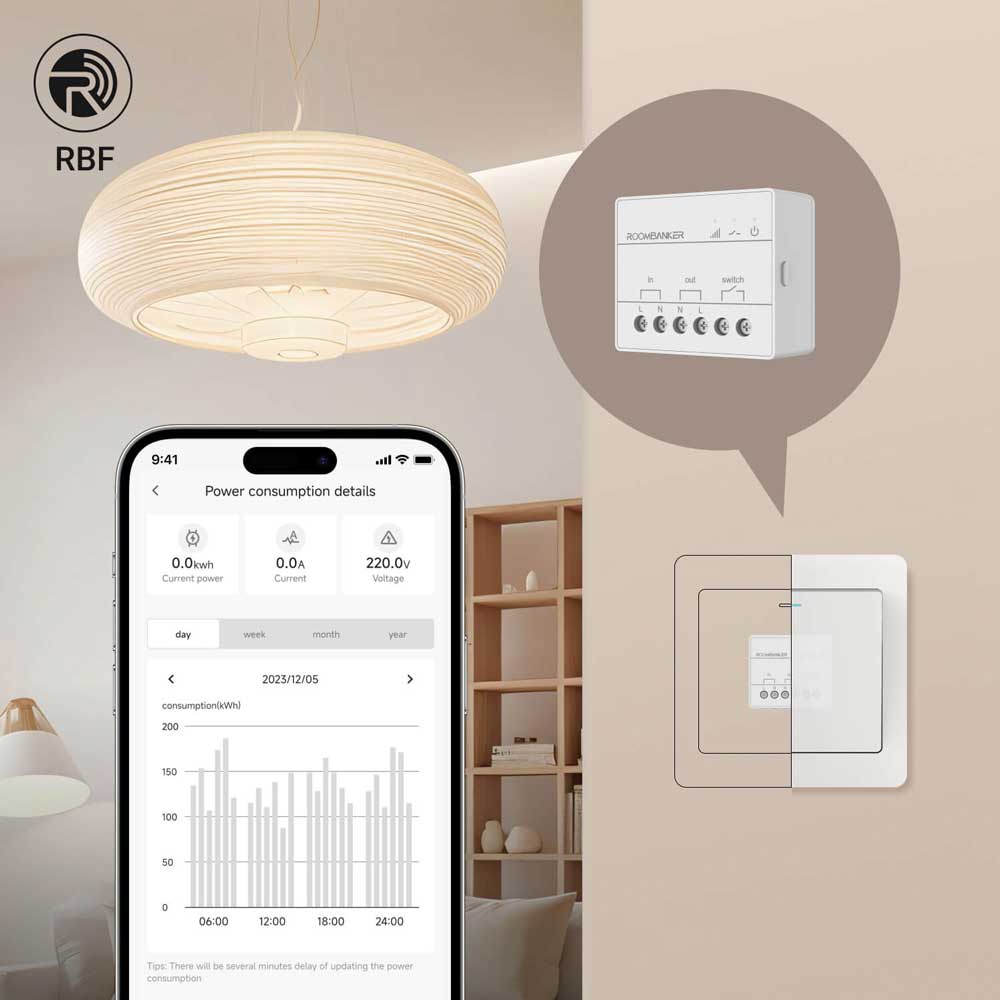
Use energy monitoring plugs to find heavy hitters. Schedule those first. Focus on rooms people forget, like garages and guest baths. That is a smart way to approach how to schedule lights to turn on and off automatically with real savings.
Keep scenes modest. You rarely need full brightness. A 20% dim cut can still look great and save power.

Field notes from real homes
I set up a family home with sunset lights at the entry. We added a 10-minute random offset. Their place looked lived-in while they traveled, and neighbors stopped worrying.
In my own home office, I learned to avoid sharp on/off at dawn. A gentle 15-minute ramp helps me wake up without a jolt. It is a small tweak, but it changed how I think about how to schedule lights to turn on and off automatically.
For a client with pets, we used motion at night with very low levels. The dog could move, but no one lost sleep. Small steps make big wins.
Frequently Asked Questions of How to schedule lights to turn on and off automatically
Do I need a hub to schedule lights?
No, many Wi‑Fi bulbs, plugs, and switches work with only an app. A hub can add speed, local control, and better sunrise/sunset options.
Can I schedule lights by sunrise and sunset?
Yes. Most major apps support sunrise and sunset with offsets. This is the easiest way to keep times right all year.
Will schedules still run if the internet is down?
If schedules are stored on the device or hub, they keep working. Cloud-only rules may fail without internet.
Is it better to schedule bulbs or the wall switch?
Bulbs are fast to install and great for lamps. Switches control built-in lights and keep physical control for everyone.
Can I set different times on weekdays and weekends?
Yes. All major platforms support day-based schedules. Create two routines with different days and times.
How do I stop lights from turning off while I am still in the room?
Use motion with an extended timer or presence detection. You can also add a “do not disturb” scene during work or movie time.
What if my lights flicker on a dimmer schedule?
Use dimmable LEDs that are approved for your dimmer. Update firmware and lower the minimum dim level if your app allows it.
Conclusion
You now know how to schedule lights to turn on and off automatically with tools that fit your space, budget, and habits. Start small, pick one room, and build from there. Use sunrise and sunset for easy wins. Add motion, presence, and scenes when you are ready.
The best system is the one you forget about because it always works. Try one schedule today and see how it feels. If this guide helped, share it, subscribe for more smart-home tips, or leave a comment with your setup.